
Tor Browser in a Sandbox
Access the dark web safely with Tor Browser in an isolated Docker container. Fully sandboxed, GUI access via VNC, and your host stays protected.
Disclaimer
This guide is intended for educational and security-research purposes only. Accessing the dark web carries inherent risks, and you are solely responsible for ensuring that your activities comply with all applicable laws and ethical guidelines. The setup described here is designed to promote safe browsing practices and protect users from potential threats—not to encourage illegal activity.
Accessing the dark web can be intriguing, but it also carries real risks. Malicious websites, hidden scripts, and zero-day exploits can compromise your device even when using Tor Browser. To stay safe, this guide shows you how to run Tor Browser inside a completely isolated Docker container giving you full Tor functionality with a secure GUI, all without exposing your host system.
Why Tor Matters
Tor (The Onion Router) protects your privacy by routing traffic through multiple encrypted relays. It offers:
- Anonymity by hiding your real IP address
- Access to .onion services sites not reachable on the normal internet
- Censorship resistance when content is blocked in your region
Tor Browser already includes significant privacy safeguards, but running it directly on your host still leaves room for exploit based attacks. Docker helps eliminate that risk.
Why Use Docker for Tor Browser?
Running Tor Browser inside Docker offers several advantages:
- Complete isolation malware stays trapped inside the container
- Disposable sessions delete and recreate anytime
- Network control avoid accidental leaks outside Tor
- Safe GUI access interact via VNC or web UI, not your host
This setup lets you explore the dark web confidently while shielding your device from threats.
Setting Up a Secure, Isolated Tor Environment
We will use the domistyle/tor-browser Docker image, which includes:
- Tor Browser
- A lightweight desktop environment
- VNC server
- Optional web-based remote desktop
Perfect for a secure, sandboxed experience.
Step 1: Create a Dedicated Docker Network
docker network create tor-sandbox-netThis ensures the container cannot interact with your LAN or other devices.
Step 2: Launch the Tor Browser Sandbox
Use the following script to build your isolated environment:
#!/bin/bash

CONTAINER_NAME="tor-sandbox"
IMAGE_NAME="domistyle/tor-browser"
VNC_PASSWORD="password"
NETWORK_NAME="tor-sandbox-net"

docker network inspect $NETWORK_NAME >/dev/null 2>&1 || \
    docker network create $NETWORK_NAME

docker rm -f $CONTAINER_NAME >/dev/null 2>&1 || true

docker pull $IMAGE_NAME

docker run -d \
  --name $CONTAINER_NAME \
  --network $NETWORK_NAME \
  -p 127.0.0.1:5800:5800 \
  -p 127.0.0.1:5900:5900 \
  --shm-size=2g \
  -e VNC_PASSWORD="$VNC_PASSWORD" \
  $IMAGE_NAME

sleep 5

if command -v vncviewer >/dev/null 2>&1; then
    vncviewer 127.0.0.1:5900 &
else
    echo "VNC viewer not found. Connect manually to 127.0.0.1:5900"
fi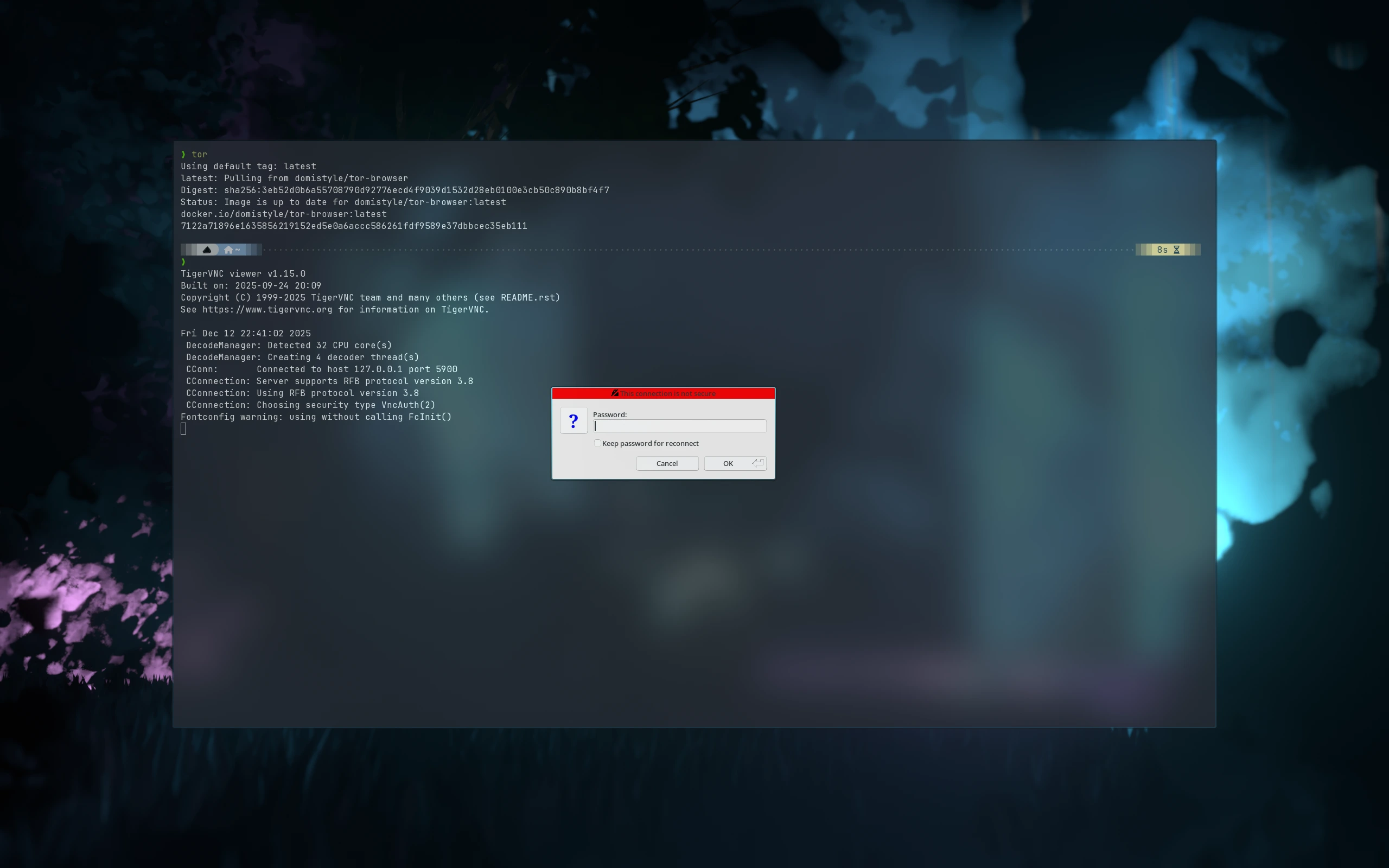
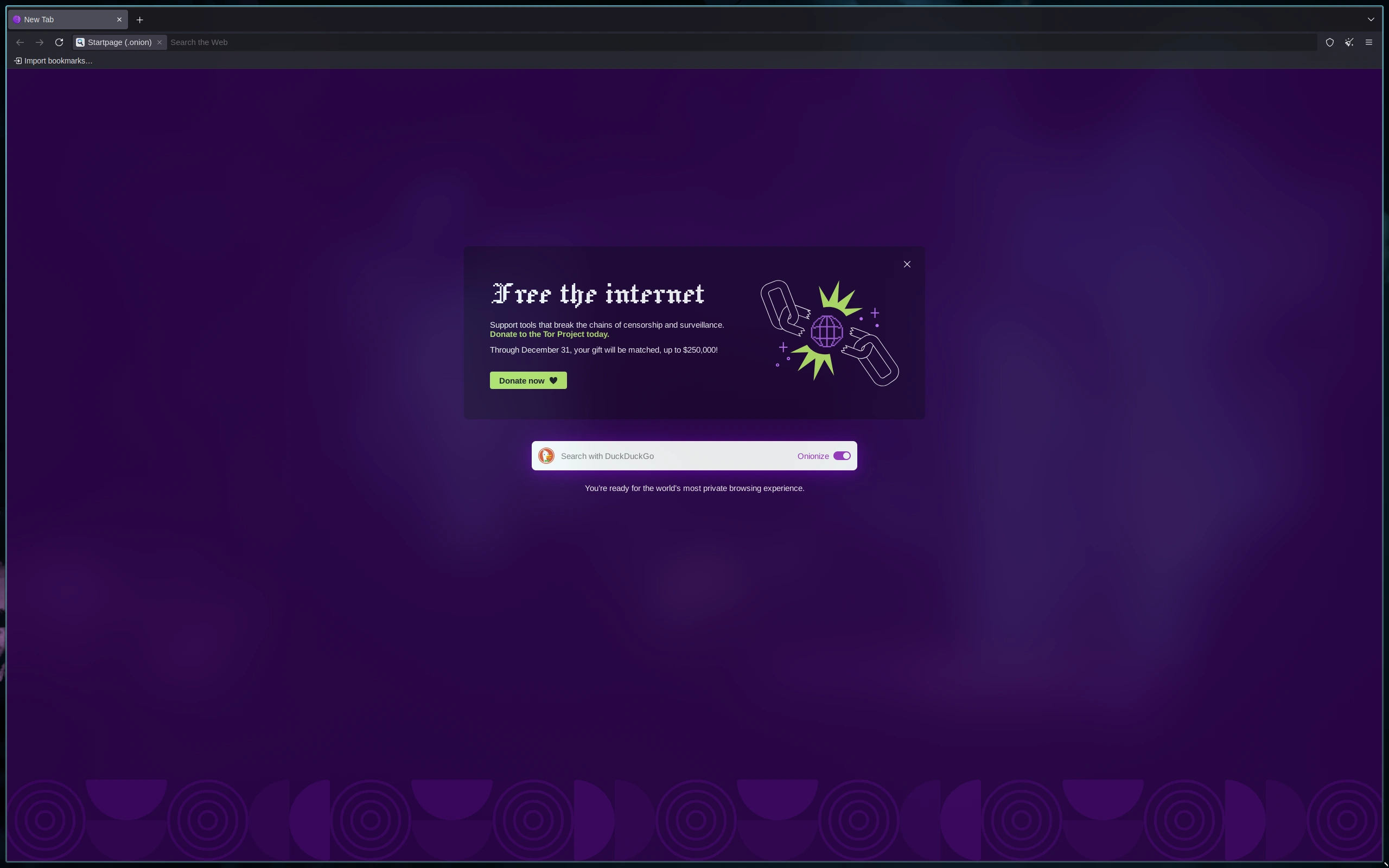
This script ensures:
- Any previous container is stopped and removed.
- The latest Tor Browser image is used.
- Ports are exposed only to localhost, keeping the environment isolated.
- VNC viewer opens automatically for immediate GUI access.
Step 3: Access Tor Browser Securely
Choose your preferred method:
- Web UI: open http://127.0.0.1:5800
- VNC client: connect to 127.0.0.1:5900
- Password: the value defined in the script
You now have Tor Browser fully isolated from your host system.
Security Advantages of This Setup
- Host protection: threats remain trapped in the container
- No IP leaks: only Tor traffic exits the sandbox
- Flexible and disposable: remove and recreate with one command
- Safe GUI interaction: VNC and browser access without host exposure
This architecture drastically reduces your attack surface while maintaining usability.
Conclusion
Running Tor Browser inside a Docker container is one of the most secure ways to access the dark web:
- Protects your host system from malware and exploits
- Maintains anonymity through Tor
- Provides a disposable and fully isolated browsing environment
- GUI access via VNC or web interface makes it practical
By following these setup, you can safely explore the dark web while keeping your host system completely protected.